📄
Результат
Фото обработано
Текст оцифрован, готовые ответы ниже
Ответы на вопросы:
5. When the ink reaches the upper line; 10. Confirm that the tanks are filled with
📷
Показать фото задания
↓
Оглавление
9 заданий
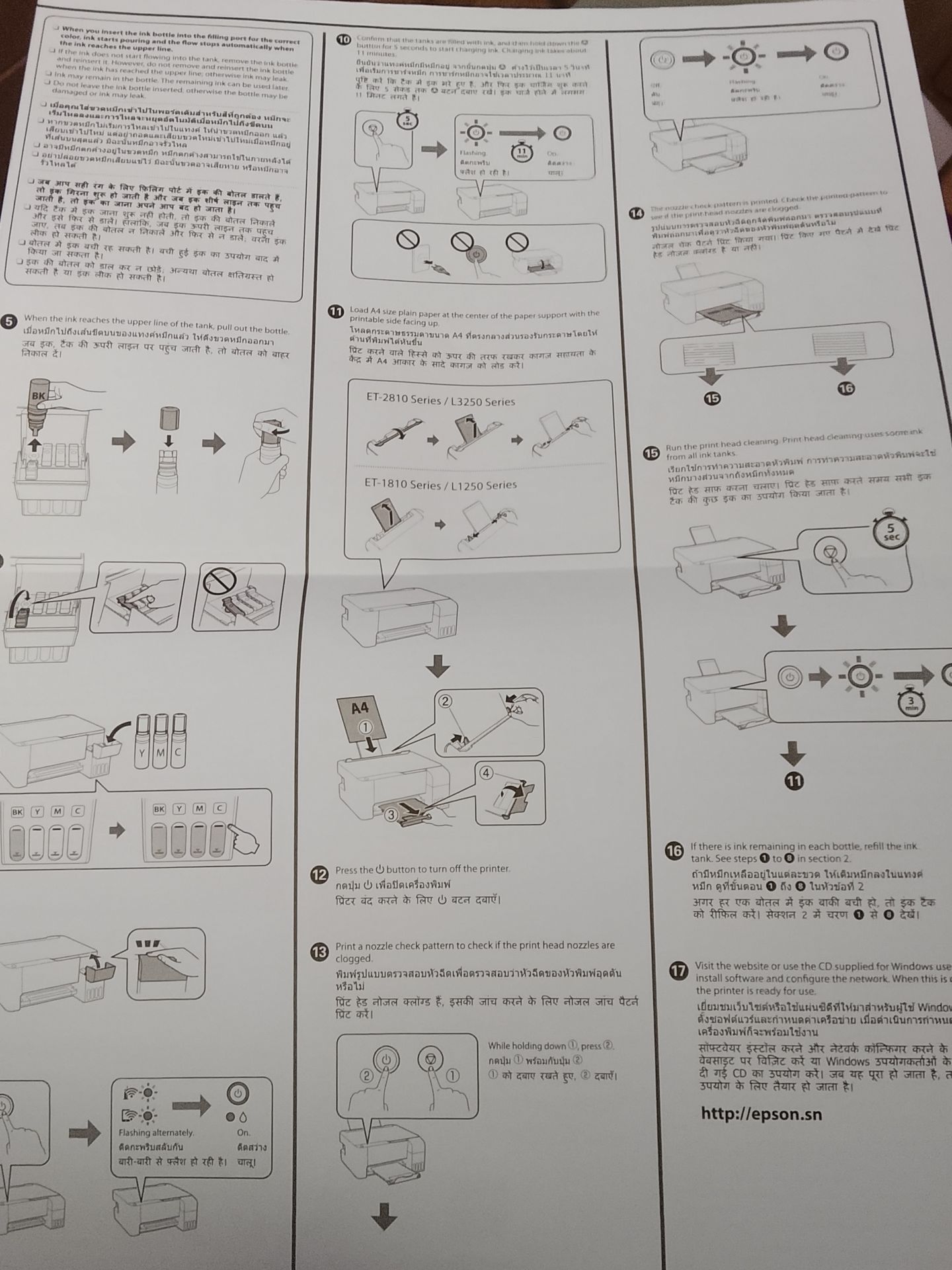
5. When the ink reaches the upper line of the tank, pull out the bottle.
10. Confirm that the tanks are filled with ink, and then hold down the power button for 5 seconds to start the initial ink c
11. Load A4 size plain paper at the center of the paper support with the printable side facing up.
12. Press the power button to turn off the printer.
13. Print a nozzle check pattern to check if the print head nozzles are clogged. While holding down the indicated button, pr
14. The nozzle check pattern is printed. Check the printed pattern to see if the print head nozzles are clogged.
15. Run the print head cleaning. Print head cleaning uses some ink from all ink tanks. Hold down the indicated button for 5
16. If there is ink remaining in each bottle, refill the ink tank. See steps 1 to 8 in section 2.
17. Visit the website or use the CD supplied for Windows users to install software and configure the network. When this is c
Подать жалобу Правообладателю
ФИО:
Телефон:
Емаил:
Полное описание сути нарушения прав (почему распространение данной информации запрещено Правообладателем):
📸
Решить моё задание
Поделись с друзьями
×